kiwi, learner, MEd, Google Certified Innovator "living local, learning global" #Manaiakalani #GoogleEI, Tāmaki Makaurau
Thursday, 14 April 2022
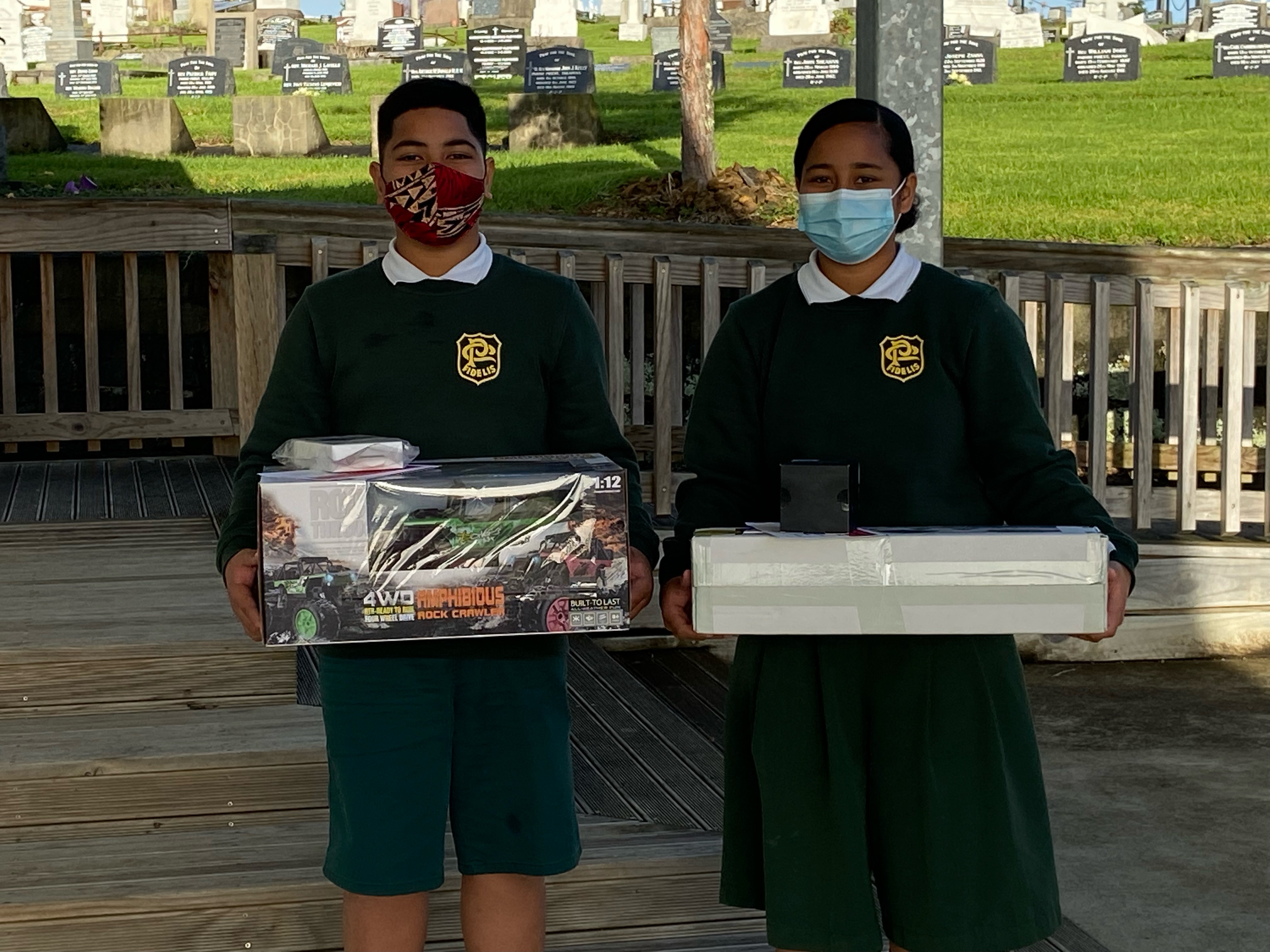
Summer Learning Journey Prizes
Friday, 19 November 2021
Bursts in Bubbles
Each year our Kāhui Ako Teachers model an exemplary Teaching as Inquiry cycle and share their progress publicly on their blog, at regular intervals throughout the year.
In November we come together for our annual Bursts and Bubbles where their Inquiry is shared as Impact Bursts in a panel setting.
As we were unable to meet kanohi ki te kanohi this year. Our teachers recorded their impact bursts which was broadcast at the scheduled time.
We recognise both the challenges and the efforts of all our teachers. Their impact bursts represent a three minute summary with more detail shared on their blogs.
Blog Links Teachers' Inquiry 2021
This slide deck which accompanies the streamed presentation includes links to teachers' professional blogs where you are able to explore their Teaching as Inquiry in more detail and connect directly if you have questions or feedback.
Tuesday, 9 February 2021
Manaiakalani Cybersmart Challenges
Thursday, 14 May 2020
Create to Learn
Listening to Manaiakalani Class OnAir teachers, Charlotte Gaston and Clarelle Carruthers yesterday, I was reminded of John Dewey's quote from our Create to Learn Staff meeting last year.
Thanks to Charlotte, Clarelle and all the teachers who have contributed to the site. Highly recommend taking some time out to explore using the new navigation links that have been added to the home page.... Thanks to Anne Sinclair and Matt Goodwin for curating.
All On Air Teachers' pages include links to their learners' blogs and I encourage everyone who visits to take some time to comment.
Yesterday's recording is available on demand including links to the Manaiakalani Class OnAir site.
![]() |
| Tuhi Mai Tuhi Atu Teacher Meet May 13th 2020 |
Saturday, 9 May 2020
Side by Side Images in Blogger
Small images can be placed side by side in a blog post (see above). However when the image size is increased it can help to use an invisible table to position your images side by side (see below).
![]() | ![]() |
Wednesday, 6 May 2020
Interactive Poster for a Blog Post
Instructions to create and share
Tip: Blog posts with a Google Slide only embedded, do not display preview images in a feed e.g. Blog gadgets, featured post, Twitter Feed. Including an image in the post will make it stand out in a feed. Insert an image from your slide at the end of the post so it is picked up in a feed. See example below.
|
|
Monday, 4 May 2020
Friday, 1 May 2020
Shout Out - Connected Learners Share
![]() |
| Manaiakalani Mail Out Term 2 Week 3 |
Based on the numbers from our Twitter feeds we barely broke the surface.
Catch Up On Demand and explore the links to some awesome blog posts, from our young people sharing their learning to some inspiring teachers reflecting on their experiences teaching online.
Show these bloggers some ❤️ and leave a comment.
![]() |
| Tuhi Mai Tuhi Atu |
Saturday, 25 April 2020
Harnessing the power of blogging to learn, create and share
![]() |
| Tuhi Mai Tuhi Atu |
During this week's Tuhi Mai Tuhi Atu Meet teachers shared individual blogging programmes they have designed to support their learners to continue harnessing the power of blogging to learn create share in the school holidays throughout the year.
How have they engaged their learners, kept it manageable and continued to encourage their students to keep blogging?
Thanks to Jo Earl, Danni Stone, Kiriwai Tapuke, Robyn Anderson, Clarelle Carruthers and Matt Goodwin
Watch on-demand plus connect with these awesome educators and access links to their blogging resources.
Tuhi Mai Tuhi Atu Teacher Meet April 22nd
Saturday, 18 April 2020
Google Meet - Enabling Screen Capture Mode
Significantly the extension has been developed by a New Orleans teacher for his school and generously shared. To see this extension continued to be refined over the past few weeks is greatly appreciated.
Last week an update to Google Meet Grid View included Enable Screen Capture Mode.
I recognise this as a smart feature. When active this presents your Meet Grid View at its best for capturing the screen. For example, if you are wanting a screen grab to share publicly.
Significantly this feature disables the names of all Meet participants. Why is this smart?
Consider the huge number of individual Meet Grid View screen grabs shared in both digital and print media in the past few weeks. Many of these screen grabs include groups of students with their full names on display, shared extensively on multiple platforms from Twitter to one of our our national newspapers!
When hosting a Google Meet, especially with large numbers, having names displayed during your Meet is very helpful and a must have feature.
However if you plan to take a screen grab (either still or video) for reuse, especially if your Meet participants are students, select Enable Screen Capture Mode first. Not only does this disable names it also forces the Grid View to best display for capture.
Whenever and wherever we share online it's personal, visible and amplified. It is personal because we are sharing information about ourselves. Creating a positive digital footprint means learning to make smart decisions about what personal information we share and what personal information we keep private. Manaiakalani Smart Footprint
A shout out to Angela Moala who posted this on her blog prior to Enable Screen Capture Mode being added to Meet Grid View. Awesome example of being Cybersmart... thank you Angela! angelamoala.blogspot.com - Distance Learning: Friday Spelling Test
Enable Screen Capture Mode activated - thank you Tamaki Primary whānau for demonstrating.
![]() |